Ornament Ocean Hot Air Balloon: Elevating Your Holiday Decor with Precision
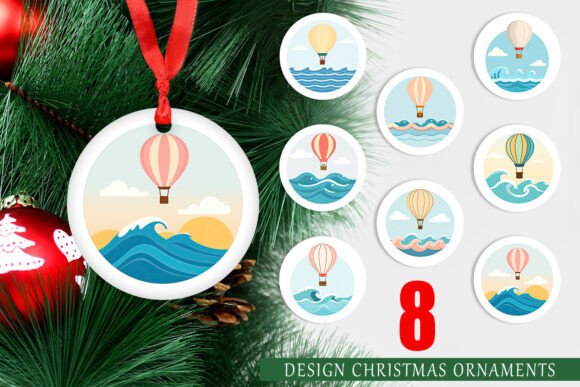
The holiday season is a time for creativity, warmth, and personal expression. For many crafters, small business owners, and DIY enthusiasts, this means moving beyond generic store-bought decorations to create something unique. This is where the Ornament Ocean Hot Air Balloon collection comes into play. It offers a whimsical yet sophisticated twist on traditional Christmas imagery, replacing the usual snowmen and reindeer with vibrant, floating balloons that evoke a sense of adventure and wonder. However, simply downloading a digital file is not enough to guarantee a professional result. Many creators overlook critical technical details that can turn a promising project into a disappointing outcome.
Understanding the nuances of high-resolution digital assets is essential for anyone looking to produce quality physical products. Whether you are printing these designs for your own tree or selling them as part of a small business lineup, the difference between a amateur finish and a polished product often lies in the preparation. Let’s explore common pitfalls associated with using printable PNG designs and how you can avoid them to ensure your Ornament Ocean Hot Air Balloon ornaments look exactly as intended.
The Resolution Misconception
One of the most frequent mistakes beginners make is underestimating the importance of resolution. You might find countless images online, but not all are created equal. A common error is using low-resolution images sourced from social media or free stock sites that look fine on a screen but pixelate when printed. The Ornament Ocean Hot Air Balloon set addresses this by providing files at 300 DPI (dots per inch) with dimensions of 1500x1500 pixels. This specification is not arbitrary; it is the industry standard for high-quality printing.
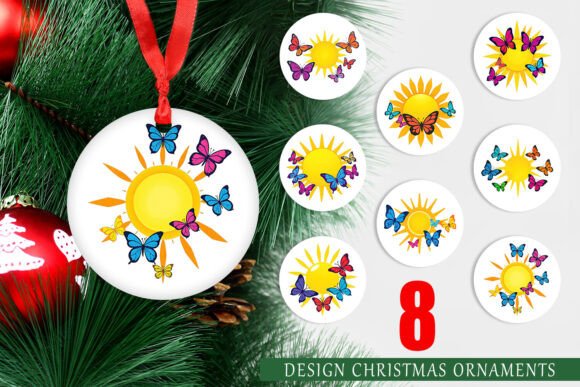
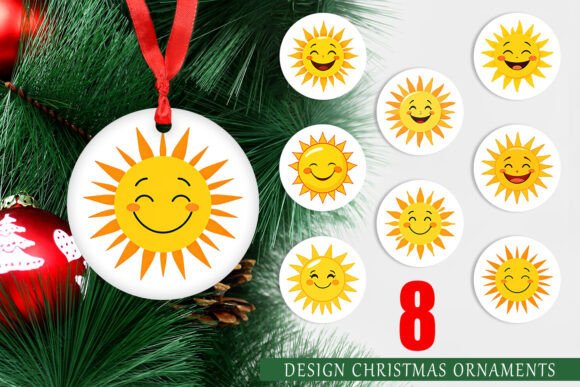
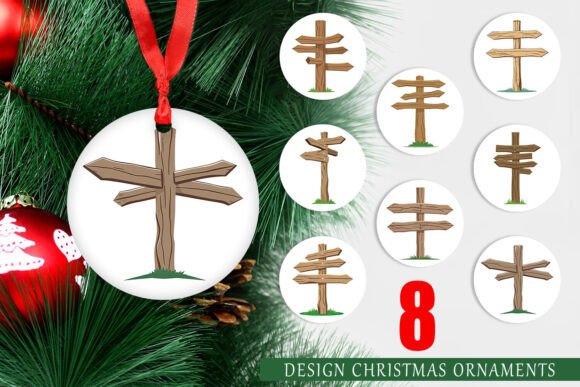
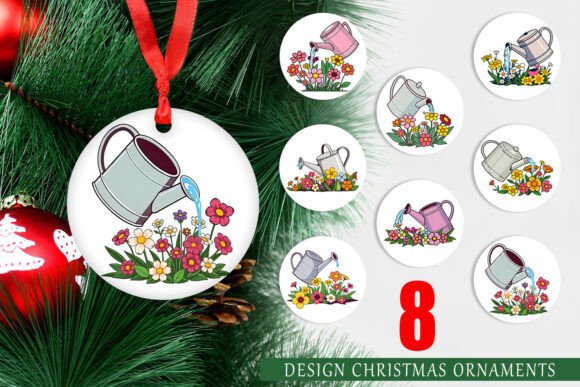
When you ignore DPI requirements, the result is often a blurry, jagged image that lacks clarity. This is particularly noticeable on circular ornaments, where the edges need to be crisp to maintain the design’s integrity. If you attempt to upscale a smaller image to fit a 5x5 inch print area, you will lose detail and introduce artifacts. To avoid this, always verify the file specs before purchasing or downloading. Ensure that the source explicitly states the resolution is 300 DPI at the intended print size. With this specific set, you are guaranteed that each of the eight circular designs will retain its sharpness, allowing the intricate details of the hot air balloons to shine through.
Ignoring the Print Medium
Another overlooked aspect is the choice of printing material. Digital designs behave differently depending on whether they are printed on standard paper, cardstock, vinyl, or shrink plastic. A common misunderstanding is assuming that any printer and any paper will yield the same result. In reality, ink absorption and color saturation vary significantly across materials. For instance, printing on glossy photo paper will produce vibrant colors but may lack the durability needed for hanging ornaments. Conversely, matte cardstock offers a classic look but may require color calibration to prevent dullness.
To achieve the best results with the Ornament Ocean Hot Air Balloon PNGs, consider the end use of the ornament. If you are creating durable keepsakes, high-quality cardstock or specialized ornament sheets are recommended. Always perform a test print on a single sheet before committing to a full batch. This allows you to adjust brightness and contrast settings in your printing software to match the output of your specific printer. Remember, screens emit light, while paper reflects it; what looks bright on your monitor may appear darker in print. Adjusting for this discrepancy ensures that the warm tones of the hot air balloons remain inviting and true to the original design.
Cutting and Assembly Errors
Once printed, the next phase is cutting and assembly. A frequent error here is inaccurate cutting, which can ruin the symmetry of the circular design. Since the Ornament Ocean Hot Air Balloon set features eight distinct circular designs, precision is key. Hand-cutting with scissors can lead to uneven edges, especially if you are producing multiple units. This inconsistency can make the ornaments look homemade in a negative way, detracting from the professional aesthetic you aim to achieve.
A better approach is to use a circle punch tool or a digital cutting machine like a Cricut or Silhouette. These tools ensure that every ornament is perfectly round and uniform in size. If you are using a cutting machine, make sure to convert the PNG files into a format compatible with your software, such as SVG, if necessary, although many modern programs can trace PNGs effectively. Additionally, pay attention to the bleed area. While these designs are sized at 5x5 inches, leaving a small margin around the edge can prevent white borders from appearing if the cut is slightly off-center. This small precaution can significantly enhance the final presentation.
Licensing and Commercial Use
For entrepreneurs and small business owners, understanding licensing terms is crucial. A serious mistake is assuming that purchasing a digital download grants unlimited commercial rights. While many creators offer flexible licenses, others restrict usage to personal projects only. Using a design commercially without proper permission can lead to legal issues and damage your brand’s reputation. Always read the license agreement included with the Ornament Ocean Hot Air Balloon set. If you plan to sell the finished ornaments, ensure that the license permits commercial use. If it does not, contact the creator to discuss upgrading your license. This proactive step protects your business and respects the intellectual property of the designer.
Color Management and Calibration
Color accuracy is another area where many creators stumble. The vibrant hues of the hot air balloons may look different on your screen compared to the printed output. This discrepancy is due to differences in color profiles between monitors (RGB) and printers (CMYK). Ignoring this can result in ornaments that look washed out or overly dark. To mitigate this, calibrate your monitor if possible, and use printer-specific color profiles. Most modern printers allow you to select the type of paper you are using, which adjusts the ink distribution accordingly. Taking the time to tweak these settings can make a substantial difference in the vibrancy and depth of the final product.
Maximizing the Set’s Versatility
Finally, do not limit your creativity to traditional hanging ornaments. The Ornament Ocean Hot Air Balloon designs are versatile and can be used for various holiday projects. Consider using them as gift tags, coaster designs, or even elements in holiday greeting cards. By thinking outside the box, you can maximize the value of the eight-design set. However, remember to adjust the sizing appropriately for each application. A 5x5 inch design may need to be scaled down for a gift tag, so ensure that the resolution remains sufficient for the smaller size. Typically, reducing size does not compromise quality, but enlarging it does. Keep this principle in mind to maintain high standards across all your projects.
In conclusion, creating beautiful holiday decorations with digital designs requires attention to detail and a willingness to learn. By avoiding common mistakes related to resolution, material selection, cutting precision, licensing, and color management, you can elevate your craft. The Ornament Ocean Hot Air Balloon set provides a high-quality foundation, but the final result depends on your execution. Take the time to prepare properly, test your processes, and respect the technical specifications. Doing so will ensure that your creations are not only visually appealing but also professionally finished, bringing joy and admiration to all who see them.